How Ubnt M2 400 Antenna setup?
The Ubnt M2 400 antenna is firstly set to access point. Then the installation of the station is done. I will tell you how to do this step by step configuration. …
Continue readingThe Ubnt M2 400 antenna is firstly set to access point. Then the installation of the station is done. I will tell you how to do this step by step configuration. …
Continue readingFollowing is a small script on how you can redirect non-payment/ expired PPPoE users to a page where he can be informed that his/her account has been suspended …
Continue readingSometimes we want to prevent a harmful IP address. Because the IP address we want to prevent can lead us to a malicious site or application. Now we’ll explain …
Continue reading
It is important for security to change the password from the Mikrotik default. So what do we have to do for it? We can change one from the winbox interface. The …
Continue reading
Putty with antenna IP and Port are written. 22 port instead of 443 port on the Router side It is written. In this way, the antenna is reached. UBNT UBNT for …
Continue readingThings to do step by step; We will shut down the DHCP Server, NAT, and Firewall on our ADSL Modem. We will get the ADSL Connection mode from the ADSL Modem to …
Continue readingMikrotik Load Balancing 2 WAN 2 LAN with Failover – Load balance 2 WAN on Mikrotik Router is a technique to distribute the traffic load on the two-paths …
Continue reading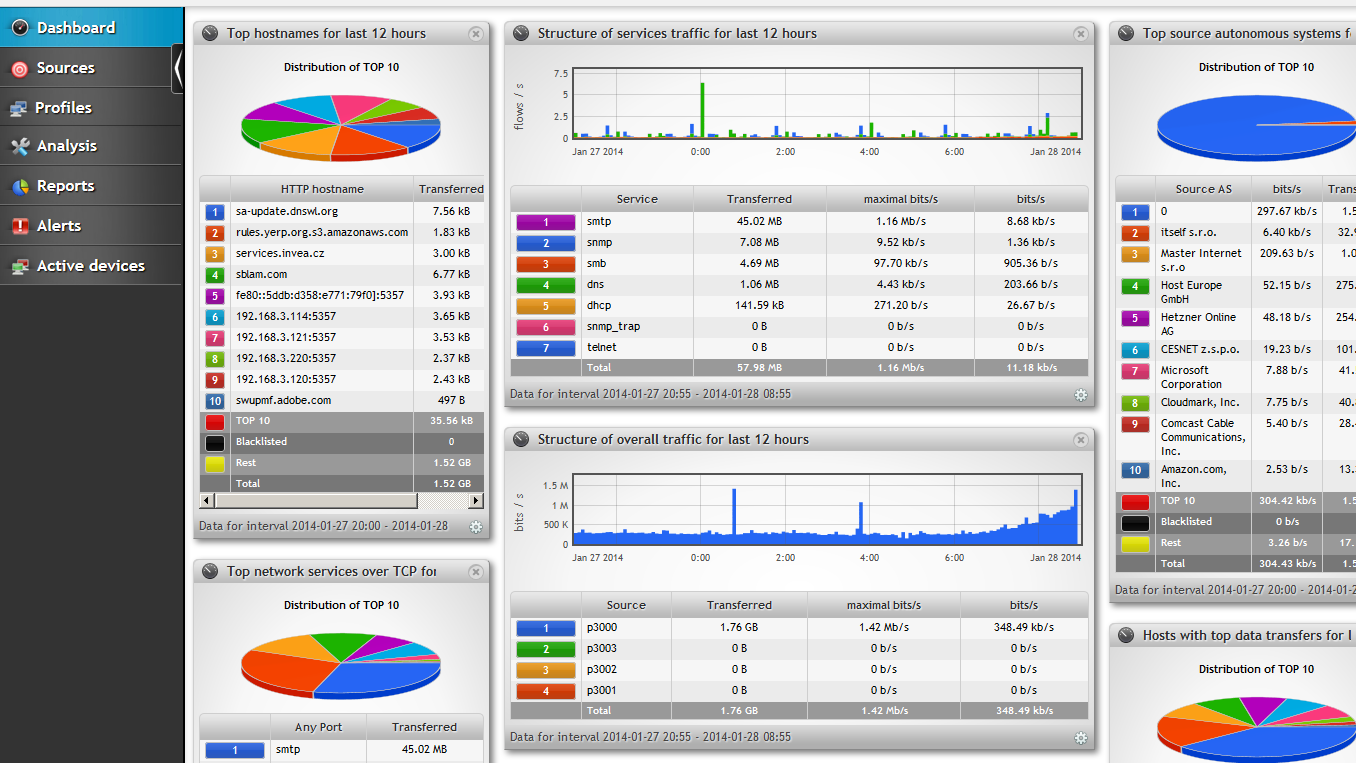
In our article, we will see how to install Zabbix step by step. 1- First you need to install a Linux machine installed on the virtual machine. 2- This is a …
Continue reading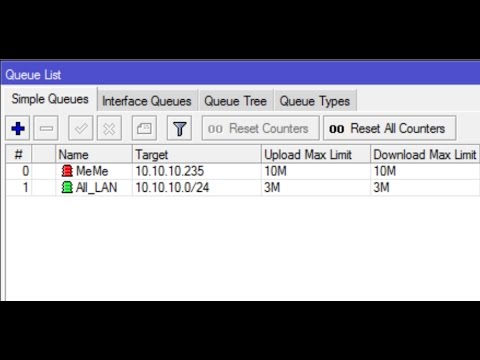
1- As shown in the picture below, we enter the queue part of our Mikrotik device, where we limit the bandwidth of our users. 2- Here, as shown in the picture …
Continue reading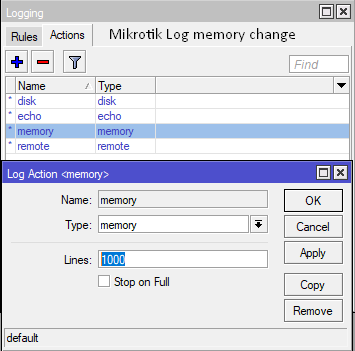
Sometimes you need to look at the logs of the router in order to understand the cause of some malfunctions which also have your router. But we can see that the …
Continue reading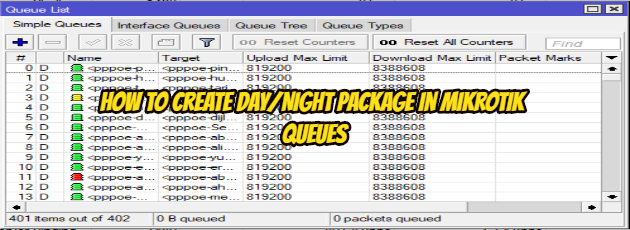
What to do? 1. Create a queue for Day (5MB) and Night (10MB) 2. Create a script for Day (enable Day & disable Night queue) and Night (enable Night & disable Day …
Continue reading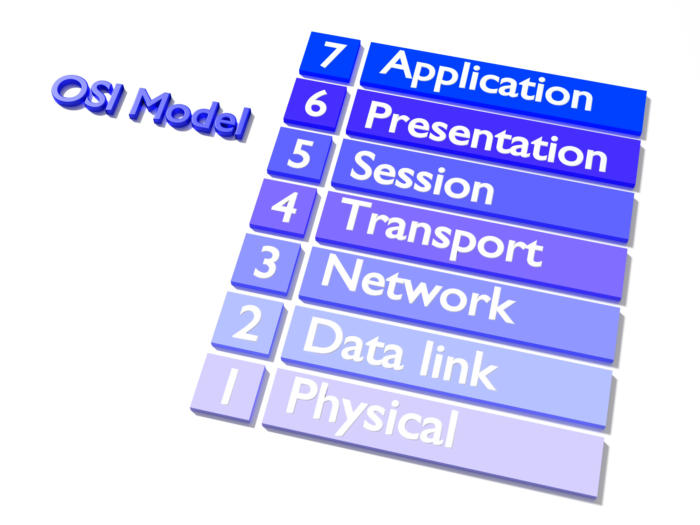
1-Application Layer It provides a real interface between the computer application and the network. This layer the one closest to the user. Only this layer does …
Continue reading