
What is Li-Fi Technology?
Li-Fi (Light Fidelity) is a wireless optical network technology that uses LED lights to wirelessly communicate and transmit data between devices. Li-Fi …
Continue readingLi-Fi (Light Fidelity) is a wireless optical network technology that uses LED lights to wirelessly communicate and transmit data between devices. Li-Fi …
Continue reading
In places where there is no network infrastructure, we may have to have internet from GSM operators. Or even if there is a network infrastructure, we may …
Continue reading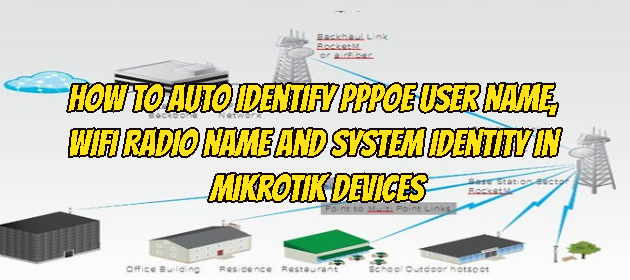
It may be necessary to automate the radio name on Wifi with the PPPoE username in order not to have difficulty in identifying Client devices and accessing them …
Continue reading
In this article, we will connect two Routers, Cisco and MikroTik, through the Ip Tunnel, a protocol used to provide network access for two devices that are not …
Continue reading
We will use the Mikrotik device RB941-2nD model that we will use in this setup. We will proceed by installing Radius Server on Mikrotik RouterOS 6.46.2 version …
Continue reading
Backing up and restoring Cisco Router / Switches often saves us from a great mess in our network systems that have collapsed. Now, let’s briefly back up our …
Continue reading
In the Zoom Application, we may want to turn off our camera or microphone sound for some reason during the conference. We will now see how we can do this in …
Continue reading
Due to the epidemic caused by the Covid-19 virus, most people are now working at home offices or studying, and the video meeting and training need is provided …
Continue readingWe may want to back up the configuration of our Mikrotik device to the FTP server at regular intervals, we would like to show you a short and beautiful script …
Continue readingConnecting the TP-Link device to your computer Connect the devices as shown in the figure below. A. Connect the CPE’s LAN0 port to the PoE port of the PoE …
Continue readingThere are various media used to hold meetings or video conferences, one of which is the most widely used Zoom Meeting. In this article, we will try to optimize …
Continue reading
Administrative Distance (AD) Before starting RIP we should about Administrative Distance (AD). AD: Sets the priority of routing protocols. If 2 protocols are …
Continue reading