How to Configure MikroTik SwOS Switches
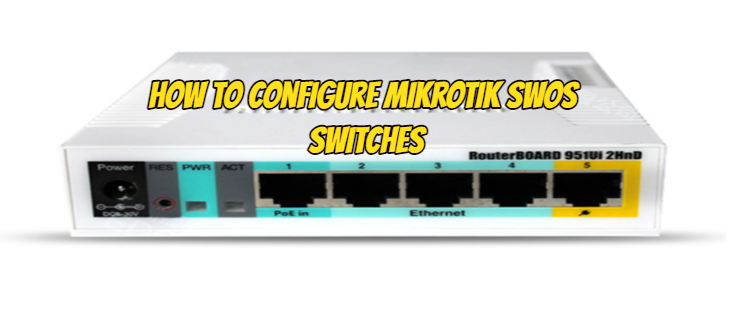
However, we have the opportunity to configure MikroTik SwOS Switches from the web interface. The default IP address and user information of your MikroTik SwOS Key are as follows.
Open your web browser and enter the IP address of your Switch (192.168.88.1 by default) and a login screen will appear.
SwOS default IP address: 192.168.88.1, user name: admin and there is no password.
We see the port values of your MikroTik SwOS Switch as shown in the picture below. We can change the names of these ports if we want, or we can see how many megabits the ports sit.
We can also check the energies of the ports here.
We also have the opportunity to turn their energies off and on.
In the picture below, we can specify which port of my Mikrotik switch we want to forward.
In the next tab, we can specify which port of my Mikrotik switch we want to RTSP.
In the next tab, we have the opportunity to choose which VLAN we want to give the Mikrotik switch.
We will also have some settings related to vlans.
We make the vlan settings in the VLANs section of the Mikrotik switch in the next tab.
In the System tab, we have the opportunity to change the ip settings, switch name, password, and backup settings of the Mikrotik switch.
I hope it was a useful article.