
How to Prioritize Whatsapp, Facebook and Instagram Internet Traffic in Mikrotik
We paste our step-by-step codes into Mikrotik's the new terminal. You can then change the prioritization according to your wishes here. For better …
Continue readingWe paste our step-by-step codes into Mikrotik's the new terminal. You can then change the prioritization according to your wishes here. For better …
Continue reading
However, we have the opportunity to configure MikroTik SwOS Switches from the web interface. The default IP address and user information of your MikroTik SwOS …
Continue reading
The security of our routers and smart switches, which form the backbone of our network, has an important place. For this, how to block certain IP addresses and …
Continue reading
It is very important for us to leave out the ports and services that we do not use to create our network security with the Mikrotik router. In this article, we …
Continue reading
In places where there is no network infrastructure, we may have to have internet from GSM operators. Or even if there is a network infrastructure, we may …
Continue reading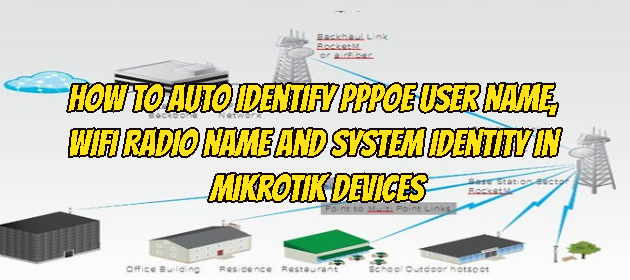
It may be necessary to automate the radio name on Wifi with the PPPoE username in order not to have difficulty in identifying Client devices and accessing them …
Continue reading
In this article, we will connect two Routers, Cisco and MikroTik, through the Ip Tunnel, a protocol used to provide network access for two devices that are not …
Continue reading
We will use the Mikrotik device RB941-2nD model that we will use in this setup. We will proceed by installing Radius Server on Mikrotik RouterOS 6.46.2 version …
Continue readingWe may want to back up the configuration of our Mikrotik device to the FTP server at regular intervals, we would like to show you a short and beautiful script …
Continue readingThere are various media used to hold meetings or video conferences, one of which is the most widely used Zoom Meeting. In this article, we will try to optimize …
Continue readingIt has the same working logic as Doh DNS, that is, the Domain Name that a client device wants to go to is resolved and the request it sends turns into an IP …
Continue readingTo configure the VLAN in Mikrotik smart switches, all ports that are VLAN must be switched to bridge mode first. If our switch is connected to another device …
Continue reading