Introduction to Java : Java Classes part-1
Classes OK, so now that we understand the most basic Java syntax it is time to learn how object-oriented design is implemented in Java. The essential unit of …
Continue readingClasses OK, so now that we understand the most basic Java syntax it is time to learn how object-oriented design is implemented in Java. The essential unit of …
Continue readingOperators Java also provides several operators that you can use to manipulate your variables. Mathematical Operators As in all languages, Java allows you to …
Continue readingStrings As you may have noticed, in Java, there is no variable type called string. However, although Java does not have a built-in String type, it does provide …
Continue readingData Types Java is a “strongly typed language”. That means that type of every variable must be declared. Consider the following simple variable assignments: …
Continue readingComments It is often the case that you want to include comments within your Java code. Comments are little bits of documentation embedded in the actual code …
Continue readingJavaScript can be typed in any text editor like notepad and can be stored separately with file extension.js. Usually, it is stored as a part of the HTML …
Continue readingThis tutorial will teach you how to implement the tooltip rollover JavaScriptplugin using any custom form that you have. Tooltip rollovers are excellent for …
Continue readingAt different levels of industry as well as individual practices, different software apps are deployed and incorporated in the business model in order to perform …
Continue reading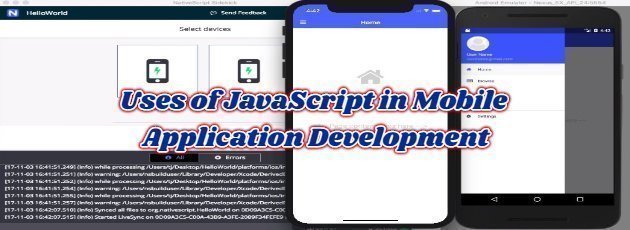
Designing sites or web apps for the mobile web is not a task that most designers like, as it is rather difficult. The user interfaces are optimized for use with …
Continue readingError handling is a very important topic, not only in JavaScript but also in development in general. Let’s face it. Even if you write the most perfect code, …
Continue readingTesting is a crucial step in the app development cycle. The app needs to be tested before the final deployment to ensure that it has the load management …
Continue readingCoding anything requires a lot more effort than many believe. The bigger the project, the more difficult to code; you have to take performance, sustainability, …
Continue reading