Network

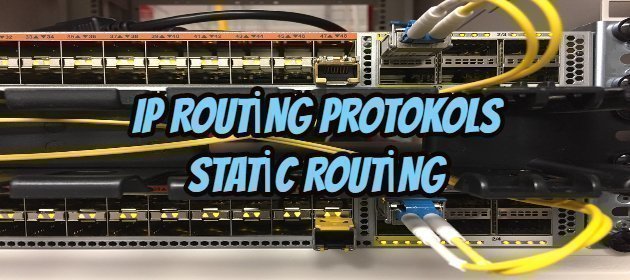
Ip Routing Protokols -Static Routing

Ip Routing Protokols -Static Routing

Ali Caliskan

IP ROUTING

Routers know how to reach the networks they are connected to. However, they do not know how to reach remote networks that not connected. But, they can learn how to access remote networks to which they are not connected by using one of the following routing protocols.
1. Static routing
2. Default routing
3. Dynamic routing
a) RIP (international standard)
1) RIPv1       2) RIPv2
b) IGRP (cisco-based protocol, but not supported by cisco anymore)
c) EIGRP (cisco-based)
d) OSPF (international standard)
e) Is-Is  (international standard)
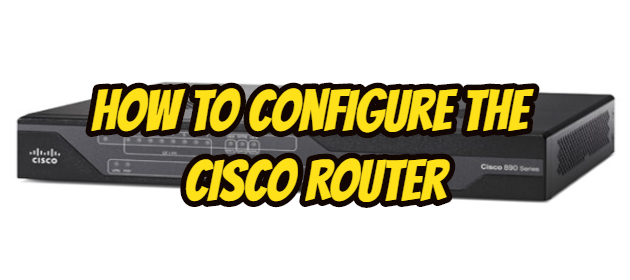
How To Configure The Cisco Router

How To Configure The Cisco Router

Ali Caliskan

There are 4 rules to assign IP addresses to the routers.

  1. All the interfaces of routers should be in a different network (subnet).
  2. Both interfaces of routers facing each other should be in the same network (subnet).
  3. LAN  that under the router interface should be n the same network (subnet).
  4. All the LAN and WAN networks must be in a different network (subnet)

Configure interfaces of routers should be in the interface mode which under the global configuration mode.

How to NTP Change in VMware Appliance Management Interface?

How to NTP Change in VMware Appliance Management Interface?

Fadıl

In this article, I will show you how to make NTP changes through the VMware Appliance Management Interface. We can do this in two ways; CLI and Appliance Management interface.

Vcenteraddress.domain.local: We log in by going to 5480;

In the menu that opens, we click on the Time tab on the left side;

When we click EDIT to the right of the Time Zone, he wants us to specify a Zone locally. After making the choice here, we say Save;

How to Create Cisco Router Password for Different Modes?

How to Create Cisco Router Password for Different Modes?

Ali Caliskan

I want to show you in this article basic routing configuration. But before this ı must explain the mod of routing. Now let starting.

There are 3 main modes of routing.  U ser mode, privileged mode, global configuration mode. there are some more modes but all of them are under the global configuration mode.

route> This mode is named user mode. Provides only some basic monitoring commands such as; show version, show flash, show IP interface brief and ping, traceroute.  modifications and configuration are not allowed in this mode.

How to configure vlan in Mikrotik smart switches?

Fadıl

To configure the VLAN in Mikrotik smart switches, all ports that are VLAN must be switched to bridge mode first. If our switch is connected to another device like a router, we will need to use this port as a trunk.

Now it is time to configure our VLAN and for this, we click the switch button from the menu on the left side for my Mikrotik device. In the window that opens, we first create the VLAN that we want to create and we select that port, whichever ether port we want to pass this vena, of course, we add it to the trunk port.