Mikrotik

MİKROTİK LOAD BALANCİNG 2 WAN 2 LAN

Fadıl

Mikrotik Load Balancing 2 WAN 2 LAN with Failover – Load balance 2 WAN on Mikrotik Router is a technique to distribute the traffic load on the two-paths connection in a balanced manner so that traffic can run optimally, maximize throughput, minimize response time and avoid overload on one connection path. This experiment, I have 2 internet connections different IP WAN and 2 LAN. I‘ve tried it, load balancing and failover can run normally. You can see the Mikrotik script below.

Step-by-Step Installation of Zabbix with Mikrotik

Step-by-Step Installation of Zabbix with Mikrotik

Fadıl

In our article, we will see how to install Zabbix step by step.
1- First you need to install a Linux machine installed on the virtual machine.
2- This is a Zabbix from your own site on the Linux machine <https://www.zabbix.com/download>
download the required file. I have downloaded version 3.2.6 VirtualBox, VMWare (.vmdk) to try it for example.
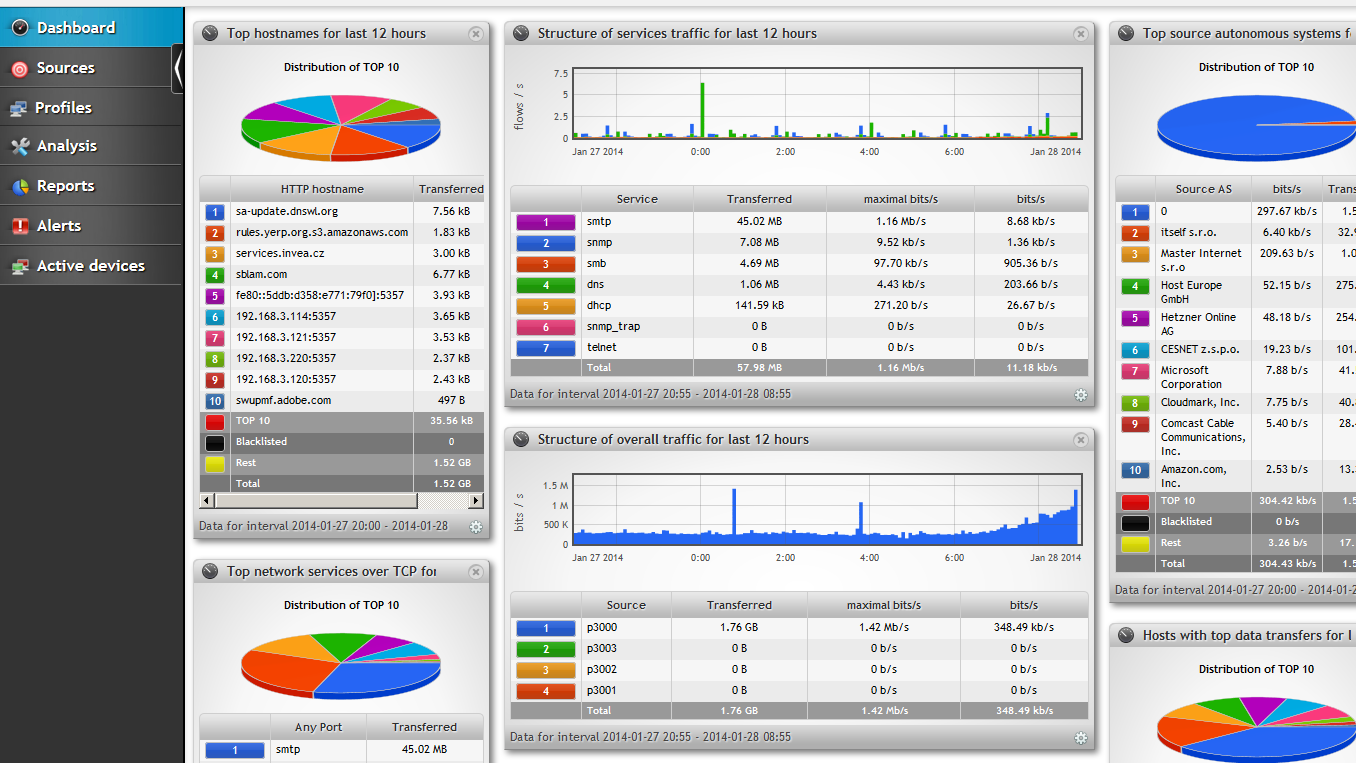
3- We look at the internet IP of our Mikrotik device, eg via ether 2 below. The reason we learn this is to provide access to our Mikrotik router via Zabbix.

Limiting Users’ Traffic with a Queues on the Mikrotik Router

Limiting Users’ Traffic with a Queues on the Mikrotik Router

Fadıl

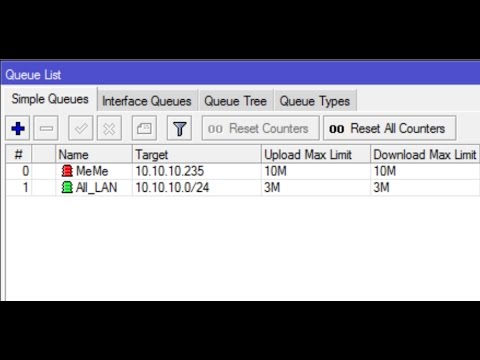
1- As shown in the picture below, we enter the queue part of our Mikrotik device, where we limit the bandwidth of our users.

2- Here, as shown in the picture above, we press the + button, a window appears as follows.

As the picture also appears, we have a user called the Trial and we limit the Internet to 25MB. We have limited both Upload and Download to 20MB. In the Target section, if we give a fixed IP to our user, we limit it via IP. In other words, the user comes to the Internet where the wan leg is coming, whichever is on the internet we choose it.

Your Mikrotik Router How to Increase the Log Data Size?

Your Mikrotik Router How to Increase the Log Data Size?

Fadıl

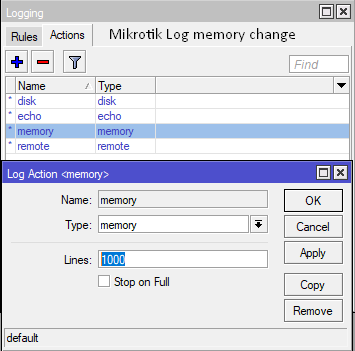
Sometimes you need to look at the logs of the router in order to understand the cause of some malfunctions which also have your router. But we can see that the routers, which are especially dynamic, change snapshots instantly. To better understand, for example, suppose that you provide an internet service provider in a certain region. Here, as seen in the picture section, the default value in Mikrotik devices is limited to 1000 lines. But we Mikrotik from our part of the login device, as well as actions and from there the memory can increase the number of lines, type the number we want instead of 1000. But of course, a very large number of the memory of the device should be careful not to blow up.

How to Create Day/Night package in Mikrotik Queues

How to Create Day/Night package in Mikrotik Queues

Fadıl

What to do?

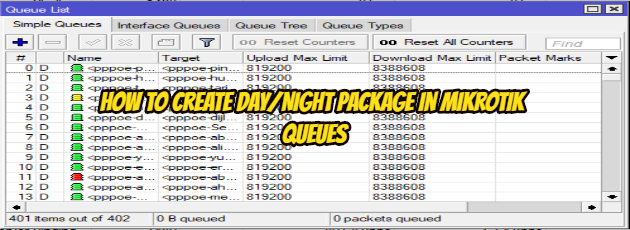
1. Create a queue for Day (5MB) and Night (10MB)
2. Create a script for Day (enable Day & disable Night queue) and Night (enable Night & disable Day queue)
3. Create a schedule for Day (8.00 AM=08.00 o’clock) and Night (8.00 PM=20.00 o’clock)

1. Create a queue for Day (5MB) and Night (10MB)

1.1 create queue for Day :

Queue Name: queue_Day
The IP address for Queue: 192.168.1.100 (it's may vary according to you )
Bandwidth : upload =5MB & download=5MB

1.2 Create queue for Night :

Queue Name: queue_Night
The IP address for Queue: 192.168.1.100 (it's may vary according to you )
Bandwidth : upload =10MB & download=10MB

2. Create a script for Day and Night

2.1 Create a Script for Day :

Name: script_Day
Source:/queue simple enable queue_Day
/queue simple disable queue_Night

2.2. Create a Script for Night:

Name: script_Day
Source:/queue simple enable queue_Night
/queue simple disable queue_Day

3. Create a schedule for Day and Night

3.1. Create Schedule for Day:

Name: schedule_Day
Start Time:08:00:00
Interval :1d 00:00:00 or 24:00:00 ; after 1 Day
On event: script_Day; the name of the script that should be run

3.2. Create Schedule for Night

Name: schedule_Night
Start Time:20:00:00
Interval :1d 00:00:00 or 24:00:00 ; after 1 Day
On event: script_Night;  the name of the script that should be run

I hope it has been a useful article.