Computer

How to Configure NTP in Linux Operating Systems?

How to Configure NTP in Linux Operating Systems?

Fadıl

What is NTP?

An abbreviation for “ NTP Network Time Protocol”. NTP is a protocol used to synchronize the clocks of computers on packet-switched networks with variable latency. The protocol is specifically designed to be resistant to the effects of variable delay, thanks to the use of jitter buffers. NTP is one of the oldest Internet protocols still in use. NTP uses the User Datagram Protocol (UDP) over port 123. NTP settings are made from either the  /etc/ntp.conf or /etc/xntp.conf file, depending on which Linux distribution is used.
What Are Computer Memory Units?

What Are Computer Memory Units?

Fadıl

Computer Units

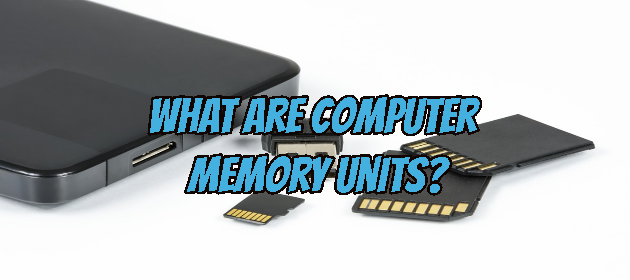
We usually hear that the memory capacities of computers, mobile phones, televisions, and many other electronic devices in our lives are this. In this article, we will see what these memory values are.
The smallest unit of capacity used on the computer is a bit. One bit; It consists of 0 (zero) or 1 (one). When 8 bits come together, 1 byte (read as a byte) is formed. Each character occupies one byte on the computer. So 1 character = 1 byte. Now let’s see what the next byte values are.

How to Turn Off Your Camera and Microphone in the Zoom Application?

How to Turn Off Your Camera and Microphone in the Zoom Application?

Fadıl

In the Zoom Application, we may want to turn off our camera or microphone sound for some reason during the conference. We will now see how we can do this in this article.

Let’s first see how we can turn off the webcam, we can also use the keyboard hotkeys for this.
To close the video image, simply click the “Stop Video” button in the toolbar in the lower-left corner of the Zoom call window.

How to Share Screen in Zoom Meetings?

How to Share Screen in Zoom Meetings?

Fadıl

Due to the epidemic caused by the Covid-19 virus, most people are now working at home offices or studying, and the video meeting and training need is provided by third-party applications such as Zoom. In a Zoom call, you may eventually need to share your screen with attendees, and you may need to give screen sharing permission to another user. Now Let’s see how this is done.

Share Your Screen When Calling

You can also share your screen at any time during the Zoom Meeting. During the call, simply select the “Share Screen” button at the bottom of the window.

How to Enable or Disable USB Ports in Windows 10?

How to Enable or Disable USB Ports in Windows 10?

Fadıl

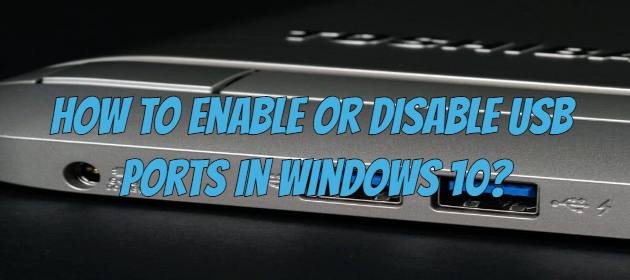
There are several ways to protect your data on a Windows 10 computer. One of them is to disable the USB ports on your computer because a desired virus or information can be stolen from your PC with a flash memory connected to the USB ports. If you want how to block USB drives to check which devices are connected to your PC, you are at the right place right now.