Ubuntu 18.04 PacketTracer7 Setup How to Fix libpng12.so error?
Often after installing PacketTracer 7, we get an error like the one below.
error while loading shared libraries: libpng12.so.0: cannot open shared object file: No such file or directory
Now let’s see how to fix this error.
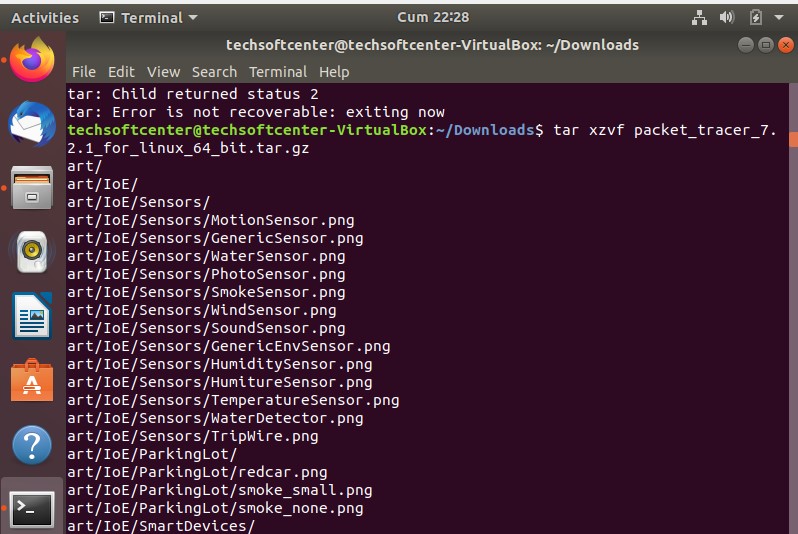
After downloading the Packet Tracer, open the terminal in the same directory and extract it from the compressed tar.gz file.
sudo tar -zxvf packetracer7.tar.gz
Let’s enter the folder with the files we opened, if we are in the same directory, let’s run the install bash file without doing anything.