Publications

How to Download YouTube Videos with Linux Command?
Install youtube-dl to command YouTube videos to the Linux terminal
youtube-dl is a Python-based, small command-line tool that allows you to download videos from YouTube, Dailymotion, Photobucket, Facebook, Yahoo, Metacafe, Depositfiles, and many more.
Main features of youtube-dl
This little tool has so many features that we can call it the best YouTube video download application for Linux.
- Not only from YouTube, Dailymotion, Facebook, etc. Download videos from other popular video sites.
- MP4, WebM, etc. It allows you to download videos in various video formats such as.
- You can also choose the quality of the downloaded video. If the video is available in 4K, 4K, 1080p, 720p etc.
- Automatically pause and resume video downloads.
- YouTube allows bypassing geographical restrictions
How to install Youtube-dl?
If you are using a Ubuntu-based Linux distribution, you can install it using the command below:
How to Make Secure Shell (SSH) Settings on the Cisco Router?
Telnet gibi güvenlik açığı olan bir protokol kullanmak yerine giriş bilgilerinizi ve verileri akışlarınızı şifreleyecek daha güvenli olan bir protokol olanSecure Shell (SSH) kullanabilirsiniz. Bu sizi ve verilerinizi daha güvende hisetmenizi sağlayacaktır.
Şimdi adım adım SSH nasıl kurulacağını göreceğiz:
1. Hostname settings are made:
Router(config)#hostname techsoftcenter
2. The domain name is set (here hostname and domain name are required to generate encrypted keys):
Todd(config)#ip domain-name techsoftcenter.com
3. Encrypted keys are generated to securely conduct the session:
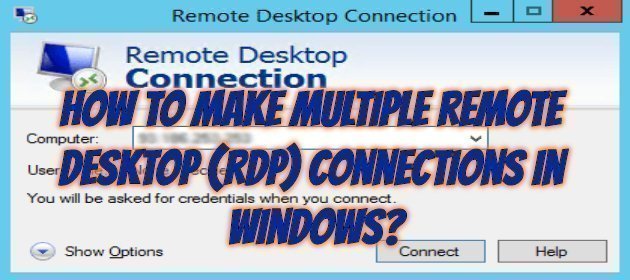
How to Make Multiple Remote Desktop (RDP) Connections in Windows?
Making Multiple Remote Desktop (RDP) Connections in Windows:
When we want to connect to our Windows server with remote desktop (RDP), it is configured to make a connection by default. If we want more than one person to be connected at the same time, we will have to retry our settings as below.
Type gpedit.msc in the Search box on the Start menu and click on the resulting result or open the Run screen with the Windows + R key.

Mikrotik – How To Speed Limit With DHCP?
In this article, Mikrotik devices and DHCP Server is the desire to make an IP based speed limit. We will now see how to do this together. For example, when the user requests an IP, the DHCP Server adds a rule about speed while giving IP. When DHCP lease time expires or is deleted from the lease list, our rule with speed limitation will also be disabled.
Of course, we need to pay attention to a subject here. If the user has given a manual IP address, that user is not subject to the speed limit. To avoid such a situation, you should write a rule that will affect your entire network.
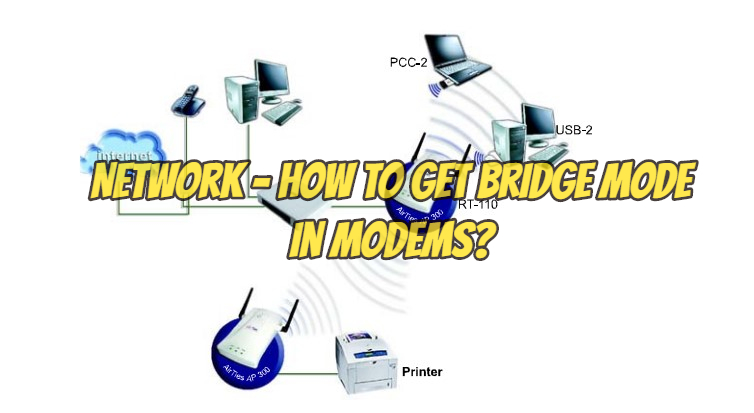
Network – How to Get Bridge Mode in Modems?
What is Bridge Mod? Are there all modems in the bridge mod?
Generally, most modems have bridge mods. In simple modems, there is no bridge mod.
Modems are usually configured and shipped in router mode. Accordingly, it operates in router mode in many places. This means that the modem registers with your PPP information to the ISP (internet provider) side and takes your external IP address itself and gives a different subnet to the local network behind it. Or it does the opposite (NAT Technology).