Publications

How To Install Teamviewer In Ubuntu
teamviewer is a great software tool for online video conferencing, remote control and desktop sharing, web conferencing and file transfer between computers. It is available for many operating system such as Android, Ubuntu, Windows, Mac OS
Goto :<https://www.teamviewer.com/en/download/linux/>
Download 32-bit installation package if you have 32-bit ubuntu
Download 64-bit installation package if you have 63-bit ubuntu
Wait for the download to finish, after downloading you will have an installation file in the downloads directory.
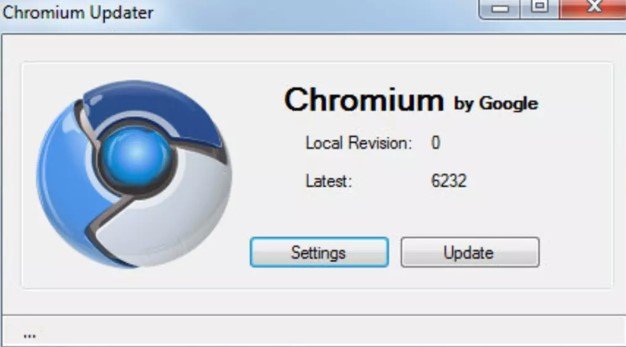
How To Download And Install Chromium In Ubuntu
Here I’m not talking about a chemical element I’m talking about a web browser. Google’s Chromium is an open source web browser. Google Chrome the famous web browser draws his source code form Google Chromium.
In the past I have shared How to install Google Chrome In Ubuntu 12. You can also watch this video tutorial to know how to install Google Chrome In Ubuntu.
Google chromium has taken his name from Chemical elements Chromium, the metal from which the chrome plating is made. So it is clear from its name that Google Chromium is the raw material used for creating the original source code of Google Chrome.
How To Fix Unable To Run Google Chrome as a Root Error in Linux
This problem is most frequently seen in many Linux distributions such as Kali Linux, Backtrack and many others.
The error message is:
“Google Chrome can not be run as root. Please start Google Chrome as a normal user. To run as root, you must specify alternate –user-data-dir for storage of profile information.”
If you are running Ubuntu then you don’t need to worry about this error, because in Ubuntu you are not logged in as root. read this article to know how to install chrome in Ubuntu.
How to Install Google Chrome on Ubuntu
Google chrome is the most used browser. Google chrome is created by Google inc. and it is used on many operating systems such as Windows, Android and also on Linux desktops. It is very easy to install GoogleChrome on android devices but, when it comes to installing them on Linux then we need to run some commands in the terminal.
We know that Mozilla Firefox is the default browser in Ubuntu. Firefox is a non-profit organization that gives superior feathers in the Mozilla Firefox browser. But, for web developers, Google Chrome gives better features that can be used for designing web pages.
Which one is the best – JavaScript or Flash Player?
Well, every individual scripting language has its own positivity and negativity. No respective website can carry on with one single scripting language; exploration might get difficult for the users as well as it can turn out to be a patience tester for information seekers. After all no website owner will risk their website’s popularity and audience assurance.
A fair combination of secured programming languages is really preferable for long term website developing. The most widely recommended programming languages or scripting softwares includes JavaScript and Flash player. Well, needless to say, Java script is the authoritative programming language and Flash player is the most dynamic modern software in the world of web apps. Well, the complimentary application of both the respective scripting applications can lead to a successful innovative as well as catchy website.